Control and visibility
Browse servers, view metrics and activity, start, stop or reboot, update server names and labels, and review project resources.
Manage your Hetzner Cloud servers and resources from a focused mobile console. Inspect your fleet, control power, manage snapshots and firewall connections, and access recovery tools when you need them.
Try the built-in demo without a Hetzner account. No HetzBOT account, subscription, developer-operated backend or third-party analytics.
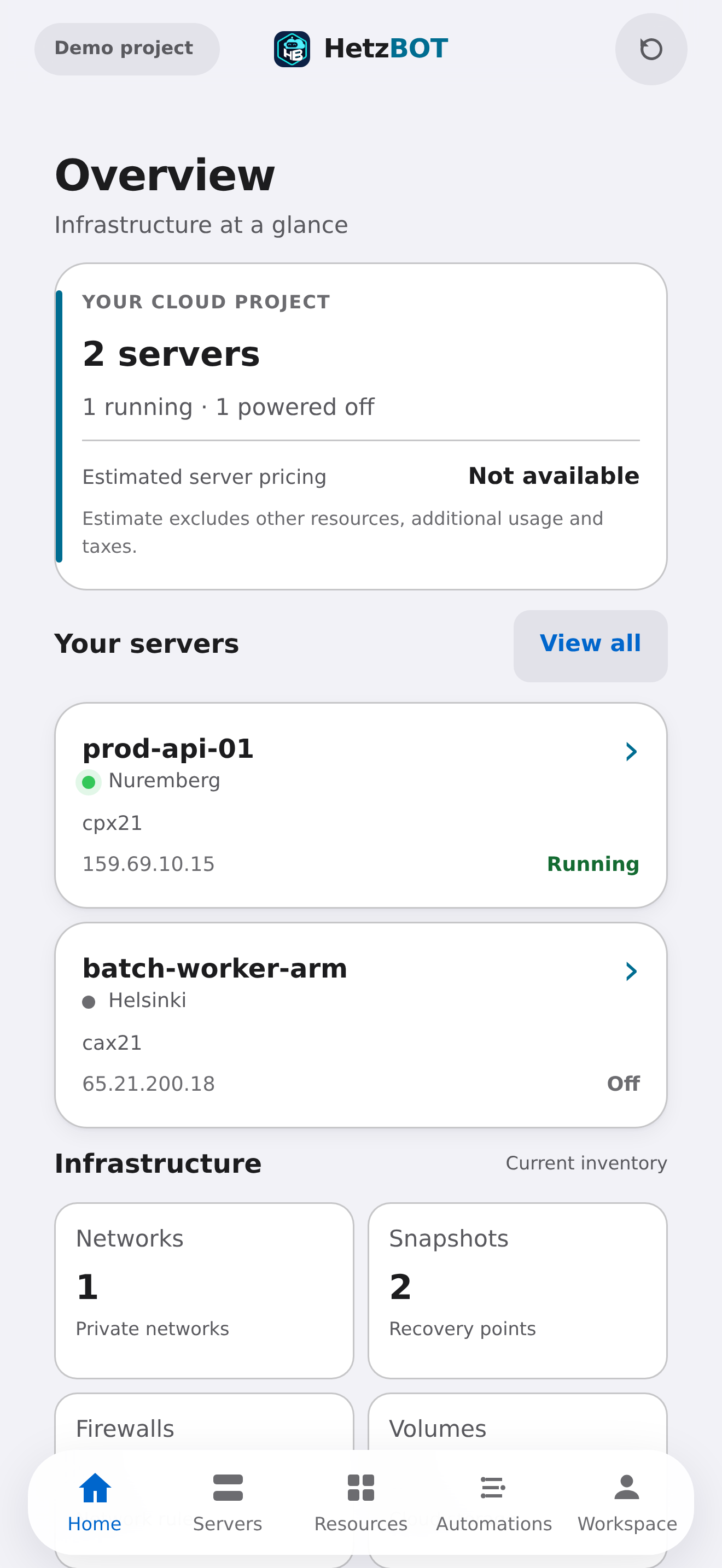
Server details and resource categories open in dedicated screens. Get the relevant status first, then choose an action without hunting for panels below long lists.
Browse servers, view metrics and activity, start, stop or reboot, update server names and labels, and review project resources.
Create and manage snapshots. Access Rescue and root password recovery where supported; root reset requires a working QEMU Guest Agent.
Inspect rules, attach or detach firewalls with explicit warnings, and manage reverse DNS on supported Primary and Floating IPs.
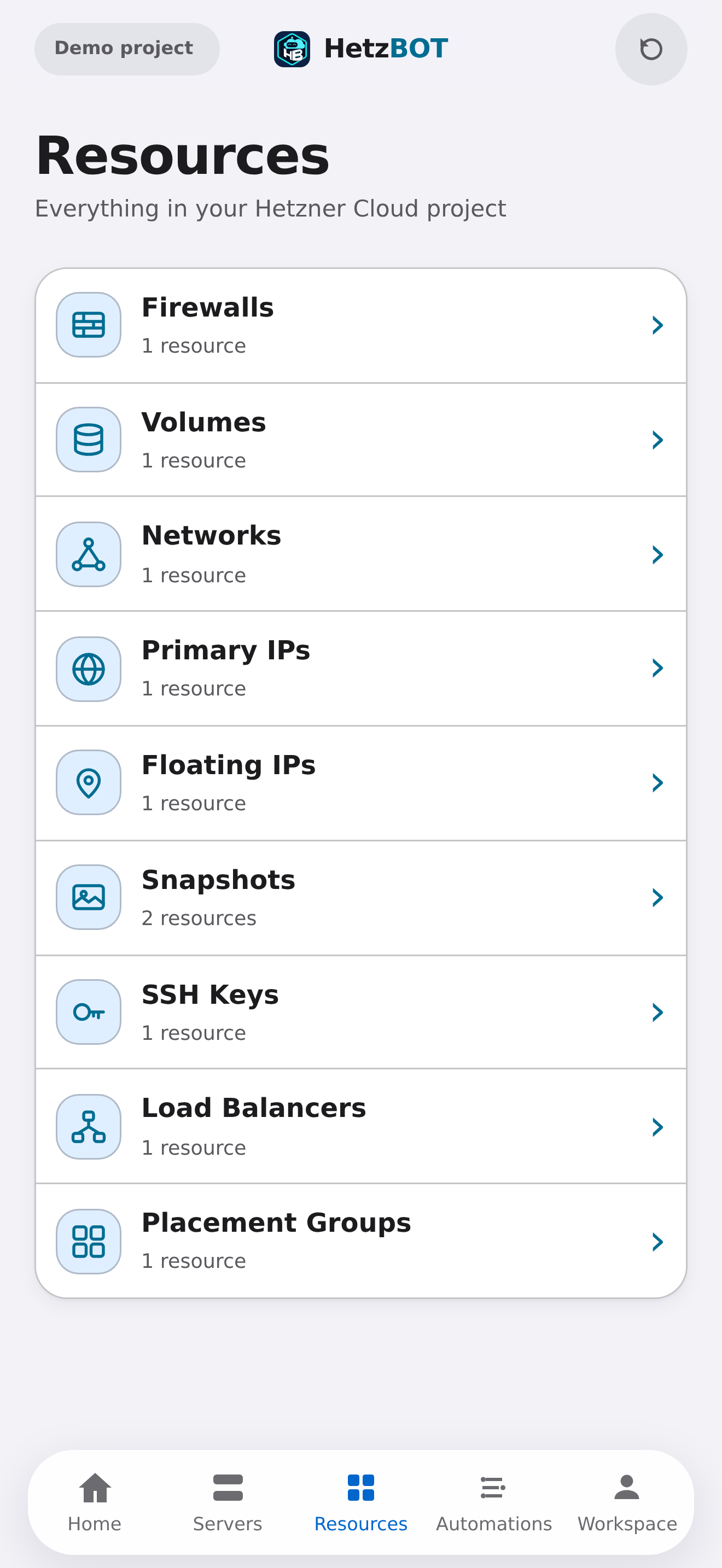
Firewalls, volumes, networks, Primary IPs, Floating IPs, snapshots, SSH keys, load balancers and placement groups are easy to locate. Tap a category to move into its own view.
Some advanced resource operations are read-only in this release. HetzBOT does not claim full web-console feature parity.
Set up local schedules for supported server and snapshot operations, bound to the originating project. Review next-run times and missed executions from the app.
You provide a Hetzner Cloud API token. HetzBOT keeps the credential in the device's iOS Keychain and sends authorized API requests directly to Hetzner Cloud over HTTPS. No HetzBOT account or hosted relay is required.
HetzBOT is independently developed and is not affiliated with, endorsed by, or sponsored by Hetzner Online GmbH. Screenshots show sample demo data, not a real customer's infrastructure.